
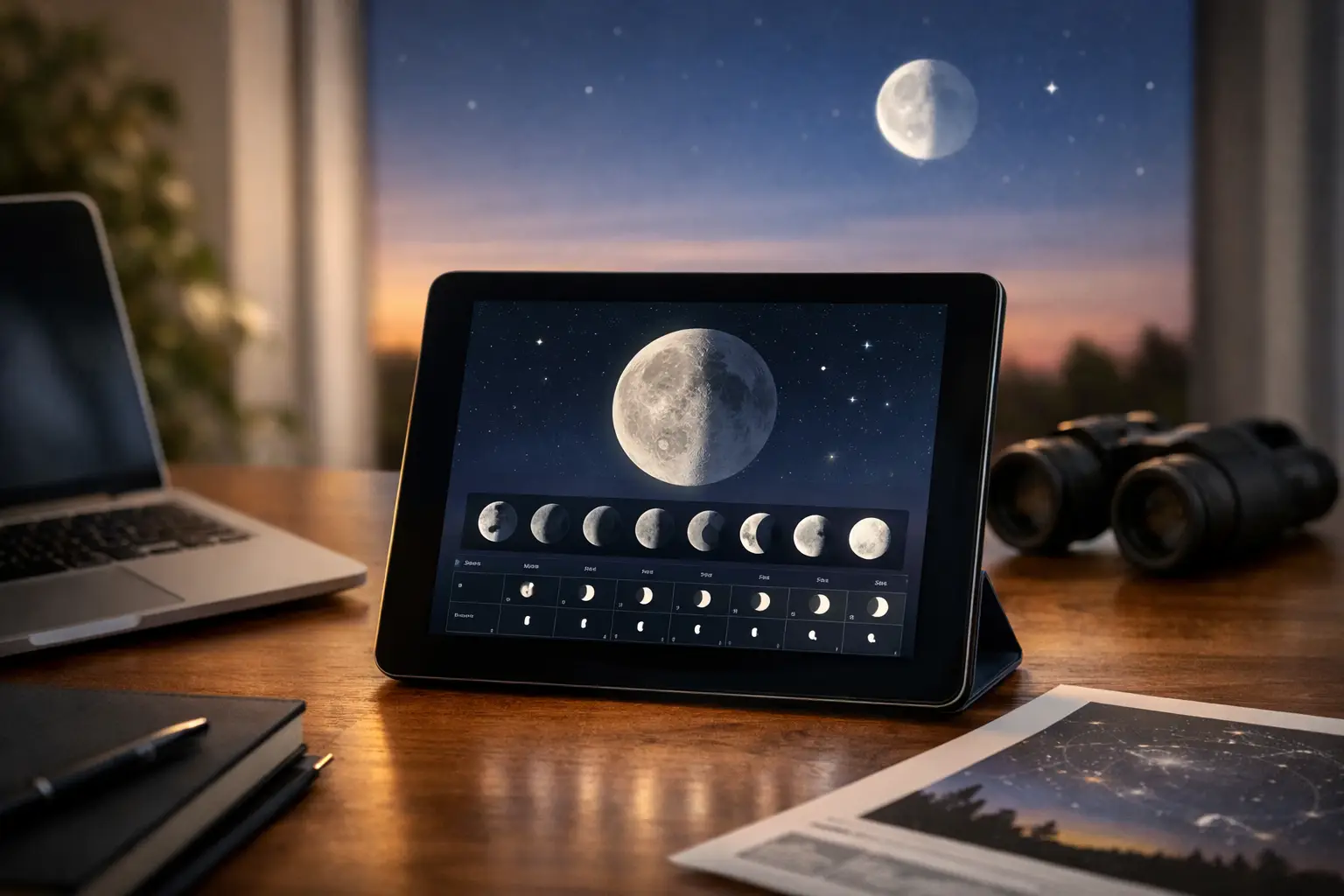
A moon phase widget review is less about whether a tiny Moon icon looks convincing and more about whether it gets you outside at the right time. A useful widget should turn the lunar cycle into live observing intelligence: current illumination, the next major phase, moonrise and moonset for your location, and a clear read on whether moonlight will help or overwhelm the sky tonight.
| Widget data point | Useful precision | 2026 planning example |
|---|---|---|
| Lunar phase and illumination | 0-100% illuminated | New Moon: August 12, 2026 |
| Next phase date | Calendar date and local time | First Quarter: August 20, 2026 |
| Moon-Earth distance | Kilometers (km) | Typical range: 356,500-406,700 km |
| Rise, set, and altitude | Local time and degrees (°) | Full Moon: August 28, 2026 |
What a Moon Phase Widget Must Get Right
The Moon completes its synodic cycle – new Moon to new Moon – in 29.53059 days. That number is stable, but a display can still be unhelpful if it reduces everything to a generic crescent graphic. The best experience communicates phase name, illumination percentage, lunar age in days, and the time remaining until the next phase. Those fields answer different questions.
Illumination tells you how much light the Moon is sending into the night sky. Lunar age tells you where the Moon sits in its cycle. The next-phase countdown makes the display actionable, especially when a New Moon window is approaching and you want to plan a Milky Way outing, meteor watch, or deep-sky telescope session.
The visual should also match the observer’s hemisphere. The illuminated side of a waxing crescent appears different in the Northern and Southern Hemispheres. For US users, a waxing crescent is illuminated on the right side and a waning crescent on the left. A widget that draws the Moon accurately but ignores this orientation detail is visually polished, not observation-ready.
Location Data Is the Difference Between Decorative and Useful
Phase is global. Moonrise, moonset, altitude, and azimuth are not.
A New Moon happens at one instant worldwide, yet the Moon may rise over Boston, Phoenix, and Seattle at noticeably different clock times. A practical widget needs a chosen city or device location, the correct time zone, and automatic daylight saving time handling. Without all three, a rise or set time can be wrong by an hour or more before local geography even enters the picture.
Elevation is the field that turns a lunar calendar into a go-or-no-go tool. A Moon at 5° altitude can be washed out by buildings, trees, haze, and thick atmosphere. At 20° or higher, it is generally much easier to observe cleanly. For photography, lunar altitude also affects sharpness and color: near the horizon, the line of sight passes through far more atmosphere than it does when the Moon is high overhead.
Look for a widget that labels altitude in degrees and azimuth as a compass direction or bearing from 0° to 360°. If it tells you the Moon rises at 9:14 PM but does not say whether it emerges at 72° east-northeast or 110° east-southeast, it leaves out information that matters when a roofline or tree line blocks part of your view.
A technically sound calculation should account for topocentric position – the Moon’s apparent position from your location rather than from Earth’s center. This matters more for the Moon than for distant planets because lunar parallax can approach 1°. At moonrise, standard astronomical calculations commonly use an apparent altitude near -0.833° to account for atmospheric refraction and the Moon’s visible upper limb. That is the kind of quiet precision users should expect, even if the widget keeps the interface simple.
The Display Should Support the Night You Actually Have
A moon phase widget earns its screen space when it answers a decision in seconds. Is the Moon up during evening astronomy? Will it set before midnight? Is there enough darkness for a faint comet or a wide-field Milky Way image? Can a family catch the Moon before bedtime?
For that reason, the most valuable default view is usually not a month-long phase calendar. It is a live card showing the present phase, illumination, current altitude, and the next rise or set. A compact seven-day forecast is the ideal second layer. It reveals the shift that is easy to miss: the Moon rises about 50 minutes later each day on average, though the actual difference varies with latitude, lunar declination, and the season.
A monthly view still has a role. It is excellent for identifying dark-sky windows around the New Moon and for scheduling classroom activities. But it should not be the only view. Someone preparing for the total lunar eclipse on March 3, 2026, or a regular full-Moon observing session on August 28, 2026, needs local timing and sky position, not merely a circle shaded white.
Notifications can be genuinely useful, but only if they are selective. A reminder 30 to 60 minutes before moonrise is valuable for a planned photo session. Daily alerts for a familiar waxing gibbous quickly become noise. The best alert settings let users choose major phases, a specific illumination threshold, moonrise, moonset, or a target altitude such as 15°.
Accuracy Is More Than an Illumination Percentage
A widget can report 63% illumination and still create confusion. The number is not the same as the fraction of the lunar disk that looks bright in a casual glance, and it does not tell you how bright the surrounding sky will appear. Lunar brightness changes with phase angle, sky transparency, the Moon’s altitude, and local light pollution.
Distance adds useful context but should be handled honestly. The Moon’s center-to-center distance varies from roughly 356,500 km near perigee to about 406,700 km near apogee. Its apparent diameter changes from approximately 34.1 arcminutes to 29.3 arcminutes. That difference is real and worthwhile for lunar imaging, but a distance readout should not imply that every close approach creates an extraordinary visual event.
The interface should also make its time convention unmistakable. Phase moments are often published in UTC, while people observe on local time. On the US East Coast in daylight time, UTC is 4 hours ahead. A phase listed as 1:00 AM UTC can still fall on the previous local calendar date. A clear local-time toggle prevents one of the most common planning mistakes in astronomy apps.
Where Moon Widgets Still Have Limits
No widget can see your horizon. It cannot know that an apartment tower blocks the Moon below 18°, that wildfire smoke has cut visibility, or that a thunderstorm is moving across your observing field. Weather, transparency, cloud cover, and local obstructions require separate planning inputs.
It also cannot replace a sky map when you are hunting a specific target. A phase widget tells you whether moonlight may interfere. It does not show where Saturn, a comet, or the core of the Milky Way will be relative to the Moon at 11:30 PM. That is why the strongest astronomy setup pairs a quick lunar status display with a live sky tool and an observing forecast.
For beginners, simplicity matters. For advanced observers, configurable detail matters. A good moon phase widget serves both by putting phase and local timing first, then making altitude, azimuth, distance, and a multi-day forecast available without turning the home screen into an ephemeris spreadsheet.
SpaceInformer users should expect exactly that mission-control balance: glanceable enough for the walk outside, specific enough to plan the next clear night. Set your location, check whether the Moon will clear your horizon, and let the next dark-sky window become a date on the calendar rather than a missed opportunity.