
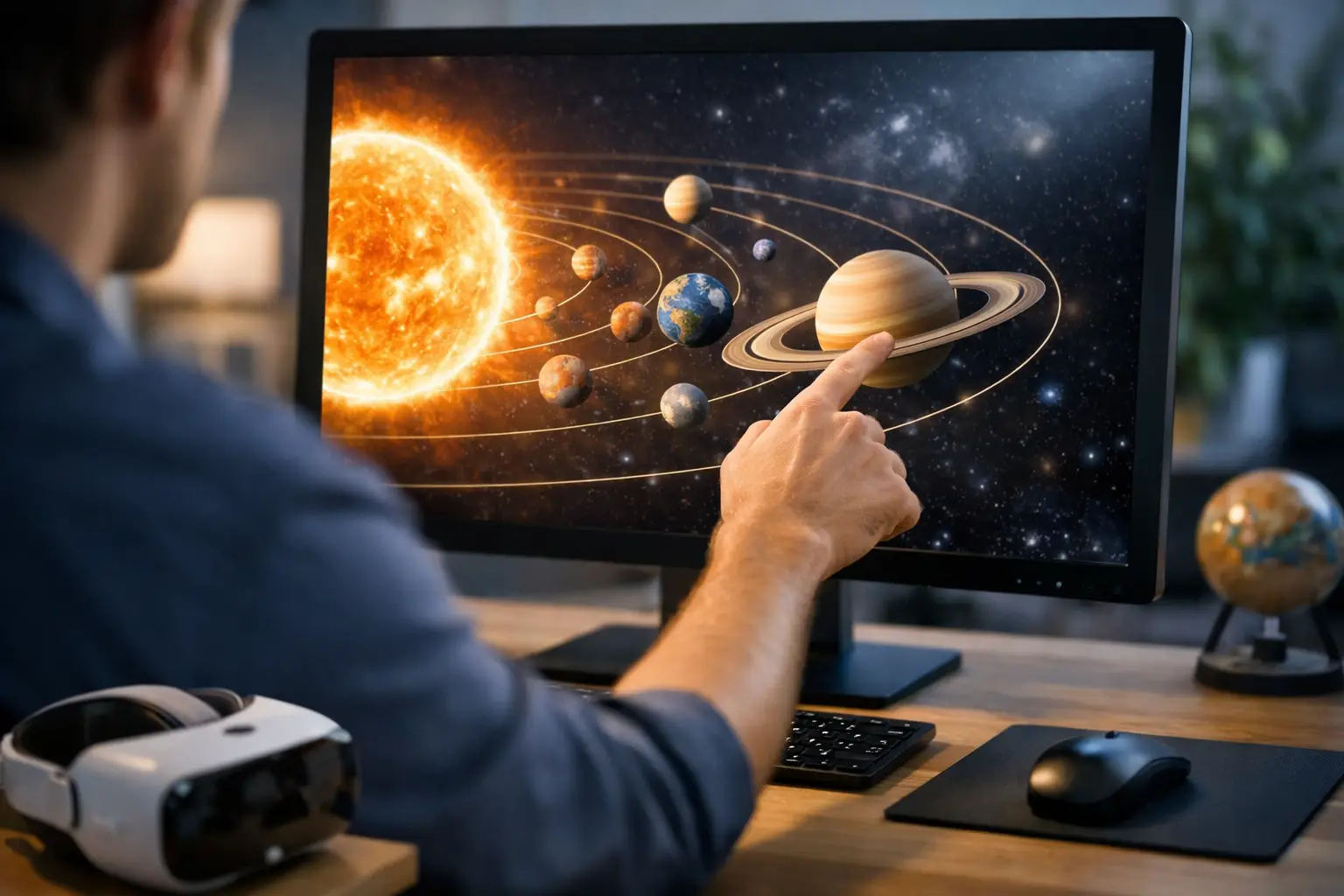
If you have ever looked up at Venus after sunset and wondered where Mars is hiding, an interactive solar system simulator is the fastest way to turn that question into something visual, measurable, and useful. Instead of bouncing between star charts, planet fact pages, and scattered astronomy apps, you get one live-style view of orbital positions, distances, motion, and scale – all in a format that makes the solar system feel active rather than abstract.
| Solar System Data Point | Value | Unit | Why It Matters in a Simulator |
|---|---|---|---|
| Average Earth-Sun distance | 149,597,870 | km | Sets the baseline scale for AU-based views and orbit comparisons |
| Light travel time from Sun to Earth | 8.3 | minutes | Helps users connect distance with real physical delay |
| Earth orbital speed | 107,200 | km/h | Makes yearly motion feel dynamic instead of static |
| Jupiter orbital period | 11.86 | Earth years | Shows why outer-planet motion changes slowly in sky tools |
| Neptune orbital period | 164.8 | Earth years | Highlights long-cycle motion that is hard to grasp without simulation |
That is the real strength of this kind of tool. It does not just teach the order of the planets. It helps you understand why Mercury appears to hug the Sun, why Mars sometimes brightens dramatically, and why Jupiter and Saturn seem to hold their places for months while the inner planets race ahead.
What an interactive solar system simulator should actually show
A good interactive solar system simulator does more than spin planets around a bright center. The useful version includes live or date-based planetary positions, zoom levels that can move from inner-planet scale to the outer system, and time controls that let you advance by hours, days, months, or years.
That time control matters more than almost any graphic detail. Earth completes one orbit in about 365.25 days, Mars in 687 days, and Saturn in 29.4 Earth years. When you accelerate time, those ratios stop being trivia and start becoming obvious. You can watch conjunctions build, oppositions line up, and seasonal geometry unfold in seconds.
For everyday skywatchers, the best simulator also connects heliocentric motion to what you see from the ground. If a tool shows where Venus is in orbit but not whether it is an evening object or morning object, it is only doing half the job. The strongest experiences bridge the solar system view and the sky view.
Why scale changes everything
Most people learn the solar system through diagrams that are wildly compressed. Planet sizes are inflated, distances are crushed, and orbits are flattened into neat classroom circles. That is fine for memorization. It is terrible for intuition.
A simulator with adjustable scale fixes that problem fast. Once you zoom out and see that Earth and Venus are relatively close neighbors while Neptune sits roughly 4.5 billion km from the Sun on average, the emptiness of the solar system becomes part of the lesson. You also understand why a mission to the Moon takes days, a mission to Mars takes months, and a signal to a distant spacecraft can take hours.
| Object Pair or Orbit | Approximate Distance or Period | Unit | Viewer Takeaway |
|---|---|---|---|
| Earth to Moon | 384,400 | km | Close on a cosmic scale, but still far beyond low Earth orbit |
| Earth to Mars at favorable opposition | 54.6 million | km | Shows why Mars missions require careful launch windows |
| Sun to Jupiter | 778.5 million | km | Explains the slower pace of outer-planet orbital change |
| Sun to Neptune | 4.5 billion | km | Reveals the true spread of the planetary system |
| Mercury orbital period | 88 | days | Explains its rapid changes in solar elongation |
There is a trade-off here. True scale can make inner planets almost impossible to see at the same time as the outer planets. That is why the best simulators let you switch between realistic scale and presentation scale. One mode teaches accuracy. The other teaches relationships.
The most useful features for skywatching
If your goal is not just learning but actually spotting planets, several simulator features matter right away. Date and time selection is the first one. Planet visibility changes every night, and even a difference of two hours can change whether Mercury is observable at all.
A location-aware layer is the next big upgrade. Someone observing from Phoenix at 8:30 PM local time will not have the same sky geometry as someone in Boston. Altitude above the horizon, compass direction, and twilight conditions all shape whether a planet is easy, difficult, or impossible to see.
This is where utility-first tools pull ahead of textbook diagrams. A strong simulator helps answer practical questions such as: Is Saturn high enough to clear neighborhood trees? Will Venus still be above the horizon 45 minutes after sunset? Is Mars near the Moon tonight, or did that pairing happen yesterday?
Interactive solar system simulator tools are best for timing events
Planetary alignments get a lot of attention, but the public often hears about them in vague terms. A simulator strips away the fuzziness. It can show exactly when planets cluster in one part of the sky, how tight that grouping really is, and whether a claimed alignment is visually striking or mostly a technical arrangement spread across a wide angle.
The same applies to retrograde motion. Mars does not suddenly slam into reverse in space. Retrograde is an apparent effect caused by relative orbital motion as Earth overtakes another planet. In a static article, that explanation can feel slippery. In motion, it clicks immediately.
For example, Mars reaches opposition roughly every 26 months. Around those periods, it brightens, appears larger in telescopes, and traces that familiar backward loop against the stars. A simulator shows the geometry behind the show. That is not just educational – it helps observers know when Mars is worth serious attention.
What beginners often get wrong
The first mistake is expecting planets to line up in a perfectly straight row. In reality, even when several planets are visible at once, they usually spread along the ecliptic rather than forming a tight sci-fi style line.
The second mistake is treating a simulator as a prediction machine without checking viewing conditions. If Jupiter is technically above the horizon at 6:10 AM but the Sun rises at 6:22 AM and the sky is already bright, that viewing opportunity is thin at best. Tools are only as useful as the context around them.
The third mistake is ignoring speed. Planet positions are not equally dynamic. The Moon shifts quickly hour to hour. Mercury and Venus can change noticeably over days. Neptune barely seems to move unless you compare long stretches of time. A good simulator helps set expectations so users are not waiting for dramatic motion where there is none.
How to judge whether a simulator is any good
Start with time precision. If it lets you move in exact increments and jump to specific dates, it is already more useful than a flashy animation. Then look for orbital data clarity. Distances should be labeled, units should be obvious, and the interface should make it clear whether you are seeing average orbit paths or real-time positions.
Next, check whether the tool handles both exploration and planning. Some simulators are built for classroom demos. Others are built to answer immediate questions before you go outside. The best ones do both without making the interface feel crowded.
It also helps if the simulator can connect to major event cycles. The 2025 and 2026 observing calendar will feature the usual parade of conjunctions, elongations, oppositions, and lunar pairings. A simulator becomes far more valuable when it lets you jump to those dates and preview the geometry before the event arrives.
Why this tool belongs in every modern astronomy toolkit
There is a reason interactive space tools keep outperforming static explainers. People do not just want facts about the solar system. They want to track it, test it, and see what changes when they move the clock forward.
That is exactly where an interactive solar system simulator earns its place. It turns orbital mechanics into something you can feel in real time, whether you are a parent showing a child why seasons happen, a student trying to understand conjunctions, or a backyard observer planning the next clear-sky session. On a platform like SpaceInformer, that kind of tool fits naturally beside launch trackers, eclipse planners, and live sky utilities because it answers the same basic need: show me what is happening, show me when, and make it easy to use.
The best part is not that a simulator makes space simpler. It is that it makes space more immediate. Once you can drag through weeks, compare orbital speeds, and preview where the planets will be tonight, the sky stops feeling distant and starts feeling active – and that is when people keep looking up.