
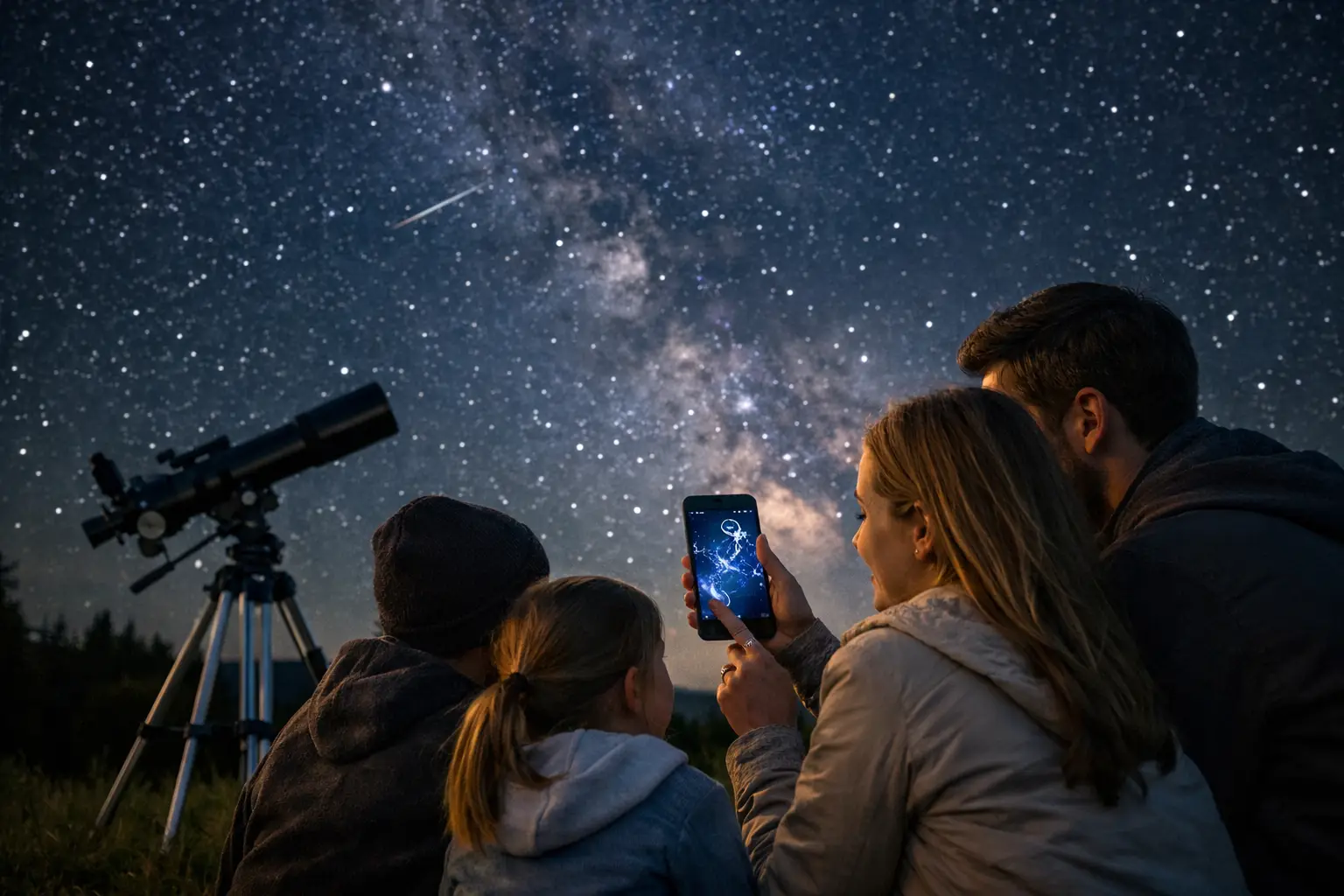
A child points at a bright dot just after sunset and asks, “Is that a star or a planet?” That is the exact moment the best stargazing apps for families earn a place on your phone. The right app turns a 30-second question into a real observation, identifies the target before attention drifts, and helps everyone stay outside long enough to spot something remarkable.
The goal is not to hand a child a screen under the stars. It is to use the screen as mission control: find the object, lock in the story, then look up. A useful family app needs a fast sky map, plain-language labels, location-aware rise and set times, and enough visual appeal to make a 20-minute backyard session feel like an event.
| App | Best family mission | Mobile platform | Cost tier (USD) | Best outdoor session (minutes) |
|---|---|---|---|---|
| Sky Guide | Beautiful first-night sky tours | iOS | Paid or subscription features | 15-30 min |
| SkyView Lite | Quick point-and-identify games | iOS, Android | Free, optional paid version | 10-20 min |
| Star Walk 2 | Visual constellation storytelling | iOS, Android | Free or paid options | 20-30 min |
| Stellarium Mobile | Accurate planning and deeper learning | iOS, Android | Free, optional Plus upgrade | 30-45 min |
| SkySafari | Telescope-ready family observing | iOS, Android | Free and paid editions | 30-60 min |
| NASA App | Space mission and launch follow-up | iOS, Android | Free | 10-25 min |
App prices, premium tiers, and supported features can change by store and region. Treat the table as a mission-match guide, then confirm the current listing before downloading.
What makes a family stargazing app genuinely useful?
The best choice depends on the ages in your crew and what is visible from your observing site. A preschooler usually wants instant recognition: point the phone, see a label, celebrate the Moon. A curious 9-year-old may happily follow a constellation trail. Teenagers and adults often want real coordinates, telescope support, meteor-shower planning, or a way to check whether Jupiter will clear the neighbor’s roof.
Accuracy matters because small angles make a big difference. Your closed fist held at arm’s length spans about 10 degrees of sky. The full Moon is only about 0.5 degrees wide. If an app says a planet is 8 degrees above the horizon, it may still be blocked by houses or trees. For a family night, target objects at least 20 degrees above the horizon whenever possible, where the atmosphere is less thick and the view is less likely to be obstructed.
Also check whether the app can work after you download its data. Cell coverage is unreliable at trailheads, campgrounds, and rural parks. An offline sky map is more valuable than a dozen extra features if your family is 40 miles from the nearest reliable signal.
The best stargazing apps for families, mission by mission
Sky Guide for the wow factor
Sky Guide is a strong first choice for iPhone and iPad families who want an elegant, low-friction sky experience. Its strength is emotional clarity: hold up the device, find a bright target, and the map makes the sky feel organized rather than overwhelming. Use it for first encounters with Venus, the Moon, major constellations, and bright stars such as Vega or Arcturus.
This is the app to open when you have only 15 minutes between dinner and bedtime. It is less suited to a family that wants detailed telescope control or an intensely technical object database.
SkyView Lite for fast backyard challenges
SkyView Lite works well when the assignment is simple: find three objects before the timer reaches 10 minutes. The augmented-reality view is especially good for children who do not yet understand why a flat star chart needs to be rotated. Ask them to locate the Moon, one planet, and a star pattern, then put the phone away and have them point out each target without help.
The trade-off is that a phone compass can drift near cars, metal decks, speakers, or magnetic cases. If the labels appear offset by several degrees, recalibrate the device and use the manual sky map as the final authority.
Star Walk 2 for constellation stories
Star Walk 2 brings visual storytelling to the sky, which makes it an excellent bridge between science and imagination. For families, its value is not just naming Orion or Scorpius. It helps explain why those patterns have been recognized across cultures even though their stars sit at very different distances.
Start with one constellation, not 12. Learn its shape, choose its brightest star, and note where it sits relative to your house. On the next clear night, see whether the constellation has shifted west. Earth’s rotation moves the sky at roughly 15 degrees per hour, so the change becomes obvious during a longer observing session.
Stellarium Mobile for the planner
Stellarium Mobile is the family workhorse when guessing is no longer enough. It is particularly useful for setting an observing location, checking what rises after dark, and previewing the sky at a specific time. Enter 9:00 p.m. local time before leaving home, then make a short target list that suits the actual horizon.
Choose this one if an adult or older student wants to move beyond labels into altitude, azimuth, magnitude, and object types. That extra depth can feel busy for young children, but it makes Stellarium a better long-term app than many purely visual alternatives.
SkySafari for binoculars and a first telescope
SkySafari earns its place when your family is ready for more than naked-eye objects. A pair of 7×50 binoculars, for example, gathers about 51 times as much light as a fully dark-adapted 7 mm human pupil, based on the squared difference in aperture. That makes open star clusters and lunar craters more rewarding, and SkySafari helps you plan targets that match the gear.
Its deeper controls are a feature, not a requirement. Begin with the Moon, Jupiter, Saturn, or a bright star cluster. Families do not need to navigate thousands of faint catalog objects on night one.
NASA App for connecting the sky to active exploration
The NASA App is not a traditional sky map, but it belongs in a family space toolkit. Use it before or after a launch, a major mission update, or a lunar observation night. It gives children a bigger answer to the question, “Why are we looking up?” The Moon is not just a bright disk at a distance of about 384,400 km. It is also a destination of continuing robotic and human exploration.
Pair it with a sky-map app rather than expecting it to identify every star overhead. That two-app setup is often better than forcing one product to do everything.
Build a 25-minute family sky mission
The strongest family stargazing nights have a finish line. Start 30 minutes after local sunset, when the brightest stars and planets are easier to identify while younger children are still alert. Give everyone 5 minutes to find the Moon or brightest available planet. Spend the next 10 minutes on one constellation and its story. Use the final 10 minutes for a special target: a visible satellite pass, a bright cluster through binoculars, or a crater line along the Moon’s terminator.
Protect night vision as soon as you begin serious observing. Dim the screen to its lowest usable setting and activate red mode if the app offers it. White phone light can disrupt dark adaptation, which typically takes around 20 to 30 minutes to develop. A red screen is not magic, but it is far less disruptive than repeatedly opening a bright home screen.
For satellite missions, exact timing is everything. A pass may last 3 to 6 minutes, and an object at 60 degrees altitude is much easier for children to follow than one just 10 degrees above the horizon. Use a live pass tracker with your location enabled, step outside 2 minutes early, and decide which direction everyone should face before the countdown reaches zero. SpaceInformer’s live tracking tools are built for this kind of real-time family launch window.
Make the app the guide, not the destination
A great app can identify more objects than any family can absorb in one night. Resist the urge to chase every label. Three successful observations beat 30 forgotten names, especially when children can describe what they saw, where it was, and why it looked different from the previous week.
Pick one clear night, one small target list, and one app that fits your crew. Then send the screen to low brightness, look up, and let the sky take over.